How Do I Update Database Connection Passwords After a Password Change in Decisions?

Hi all,
I recently changed the password for a database account that’s used in several integrations within Decisions. Now, I’m getting login errors on all related queries and workflows. Is there a way to update the password for the existing database connections, or do I need to recreate each connection from scratch with the new credentials?
Thanks in advance!
0
Comments
-
Hello,
You don’t need to recreate your database connections. Here’s how you can update the password for your existing database integration in Decisions:
- Go to System > Integrations > Databases.
- Find your database connection, right-click it, and choose Edit.
- Enter the new password (or update the connection string as needed).
- Test the connection to confirm it works.
- Save your changes.
All integrations and queries using this connection will now use the updated credentials. This should resolve the login errors you’re seeing.
Hope this helps!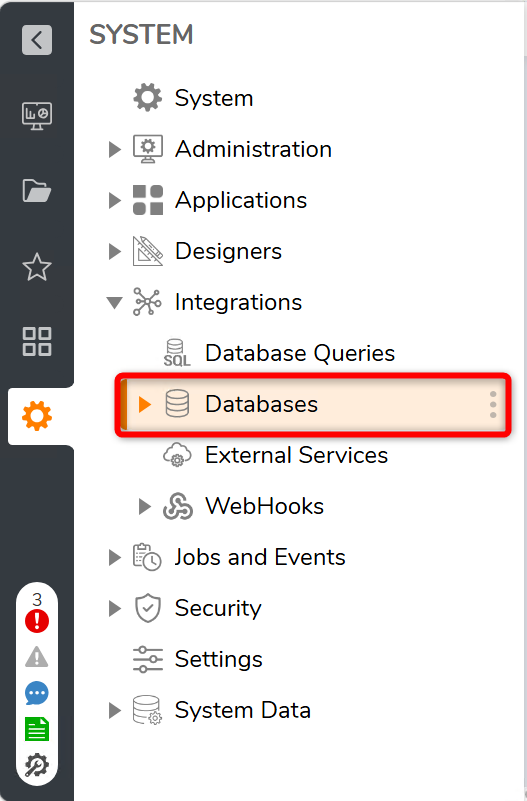
0

Howdy, Stranger!