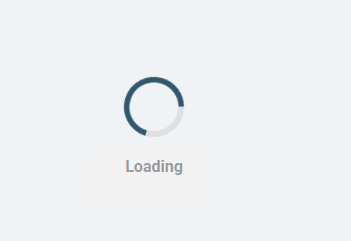
How to change the report loading text from "Close" to “Loading...”

Comments
-
Hi,
You can change the report loading text from "Close" to "Loading..." using custom CSS.
I've attached a sample CSS that demonstrates how this can be achieved and should help you meet your requirement.
.spinner-holder_close-btn {
pointer-events: none;
opacity: 0.7;
color: rgba(255,255,255,0);
position: relative;
}
.spinner-holder_close-btn::after {
content: "Loading...";
color: rgb(255,255,255);
position: absolute;
left: 50%;
top: 50%;
transform: translate(-50%, -50%);
}
Note: The attached example is provided for instructional purposes only and is not an officially supported component. It is not intended for production use. Please review and test it thoroughly in a non-production environment before deploying it to production.
Regards,
Amer Shaikh0

Howdy, Stranger!