How do I hide a Flow Button on my Page from certain Users?

Comments
-
Thank you for using the Decisions Forum!
You need to add a Page to your dashboard. On the Page, you need to use a “Simple Tile” Page Control instead of the Admin Button. Set the “Part Type” to be Chromeless. Inside the Tile Source Flow, use a String List Contains Rule Step and check to see if the user is in the “Admin” group. On my local I used the Group “CanSee” for my testing. Next on the Create Tile Data step configuration, use “Admin” for the Line 1 input. I used “Click Here” for my testing. Configure the “Tile Action Type” to be “RunFlow” and then select your admin button flow.
Page Designer Configuration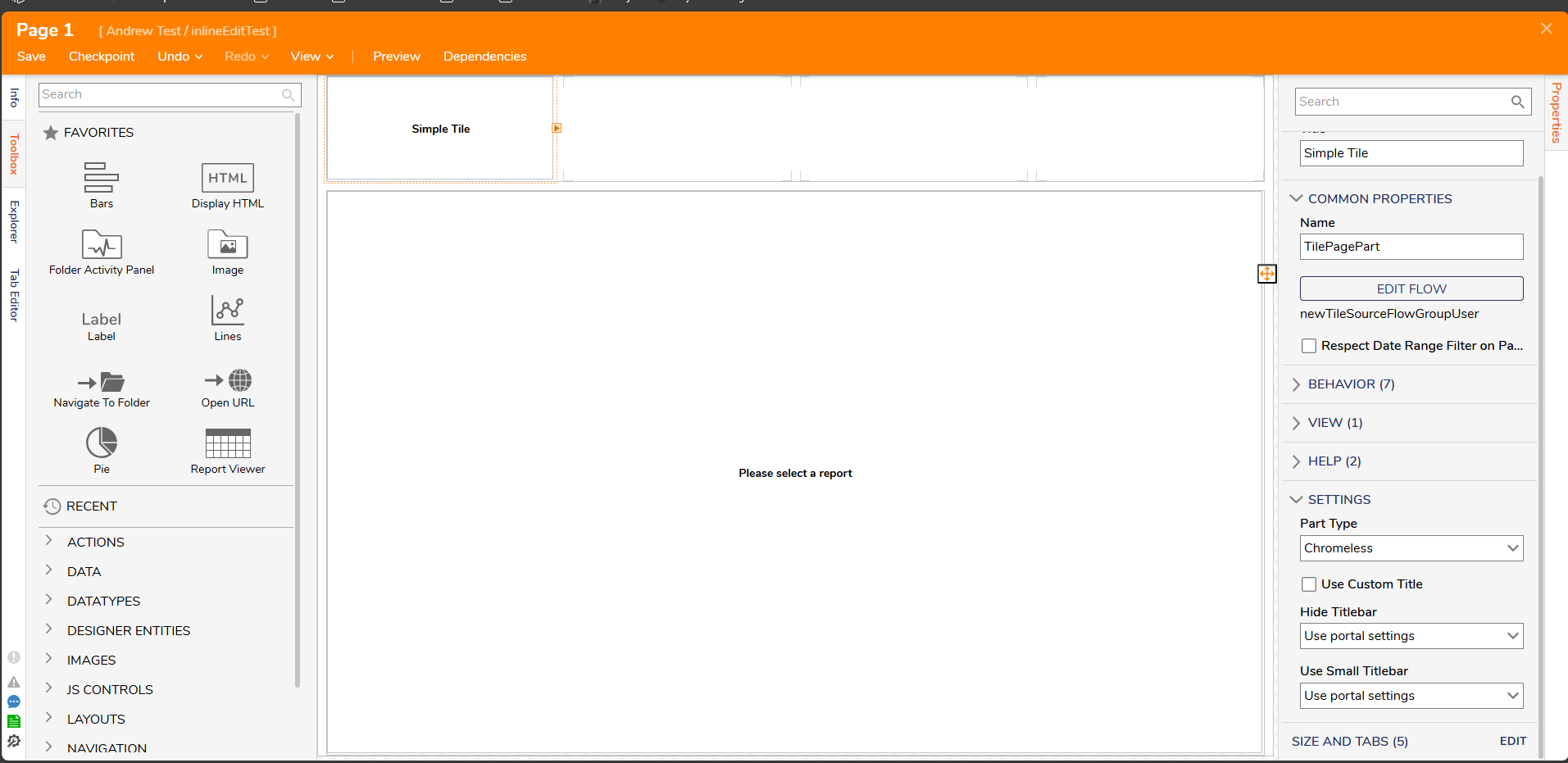
Simple Tile Flow Configuration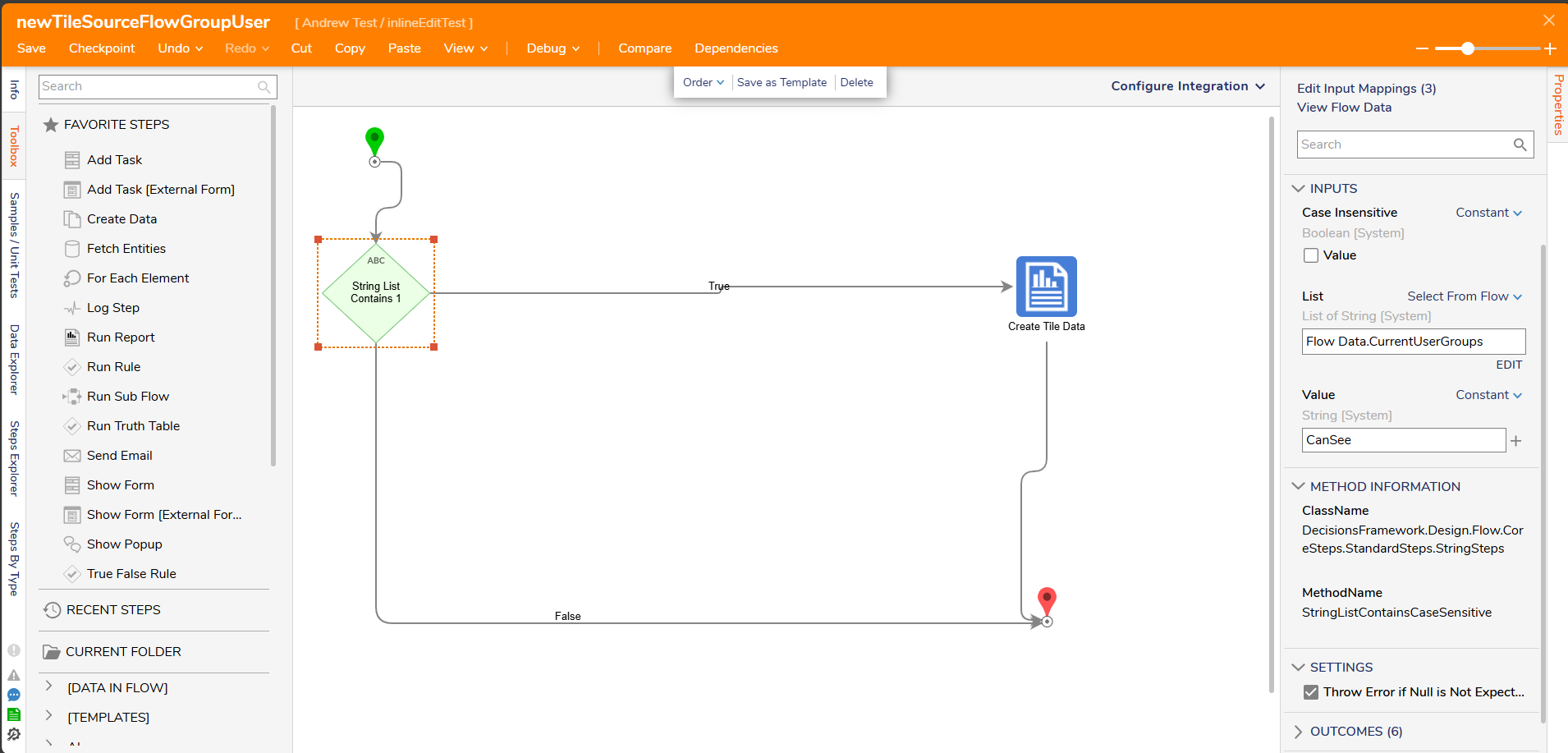
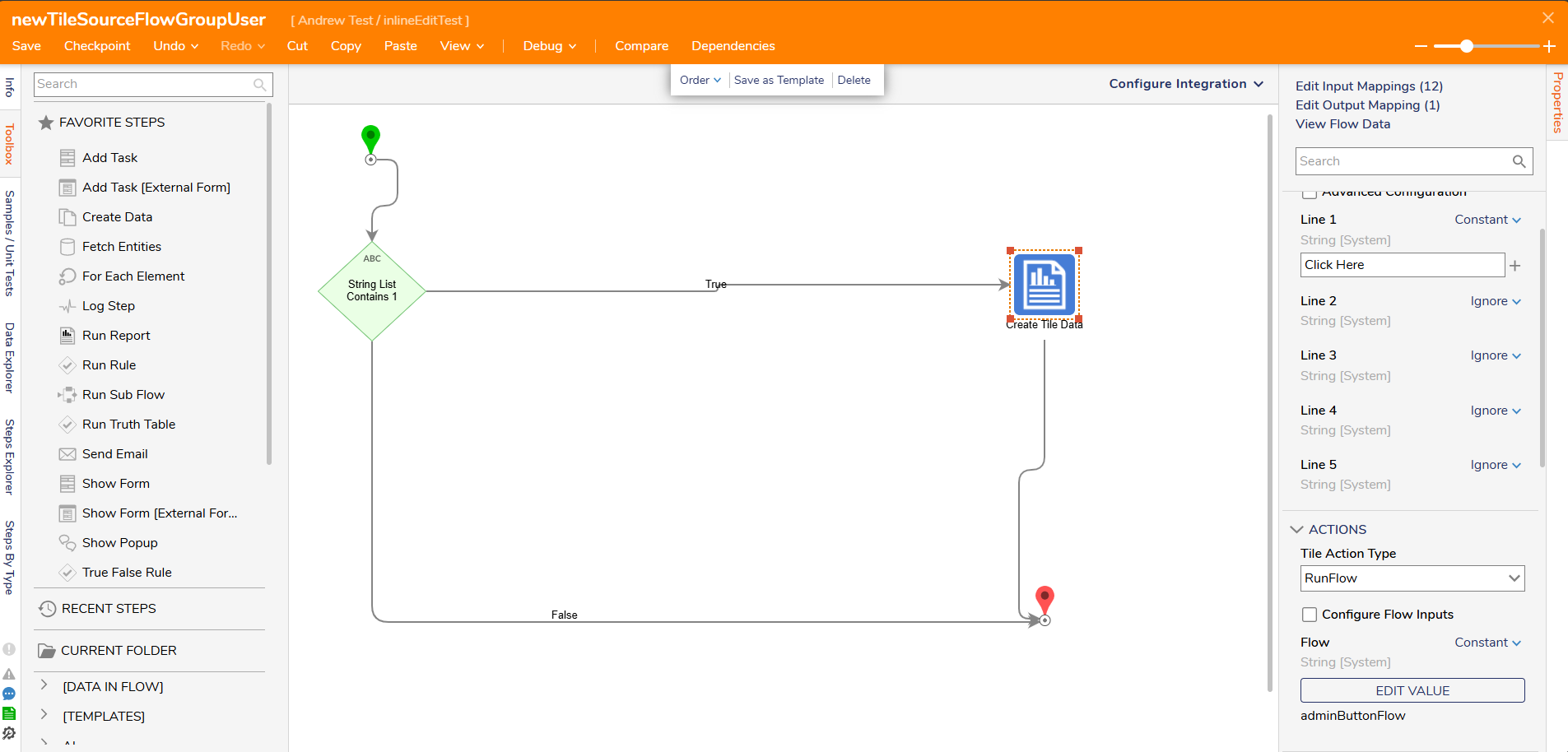
Dashboard View (with Button)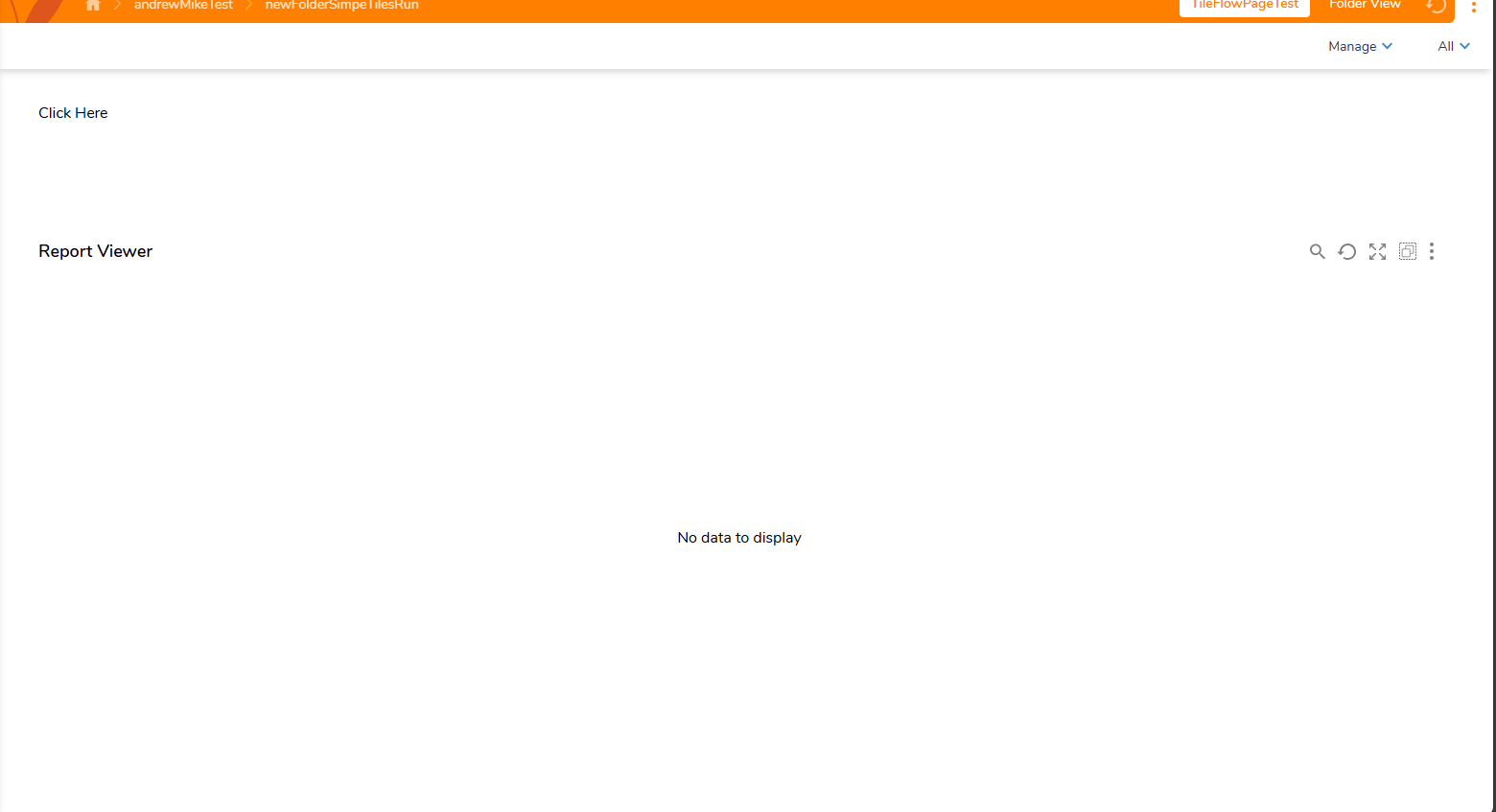
Dashboard View (without Button)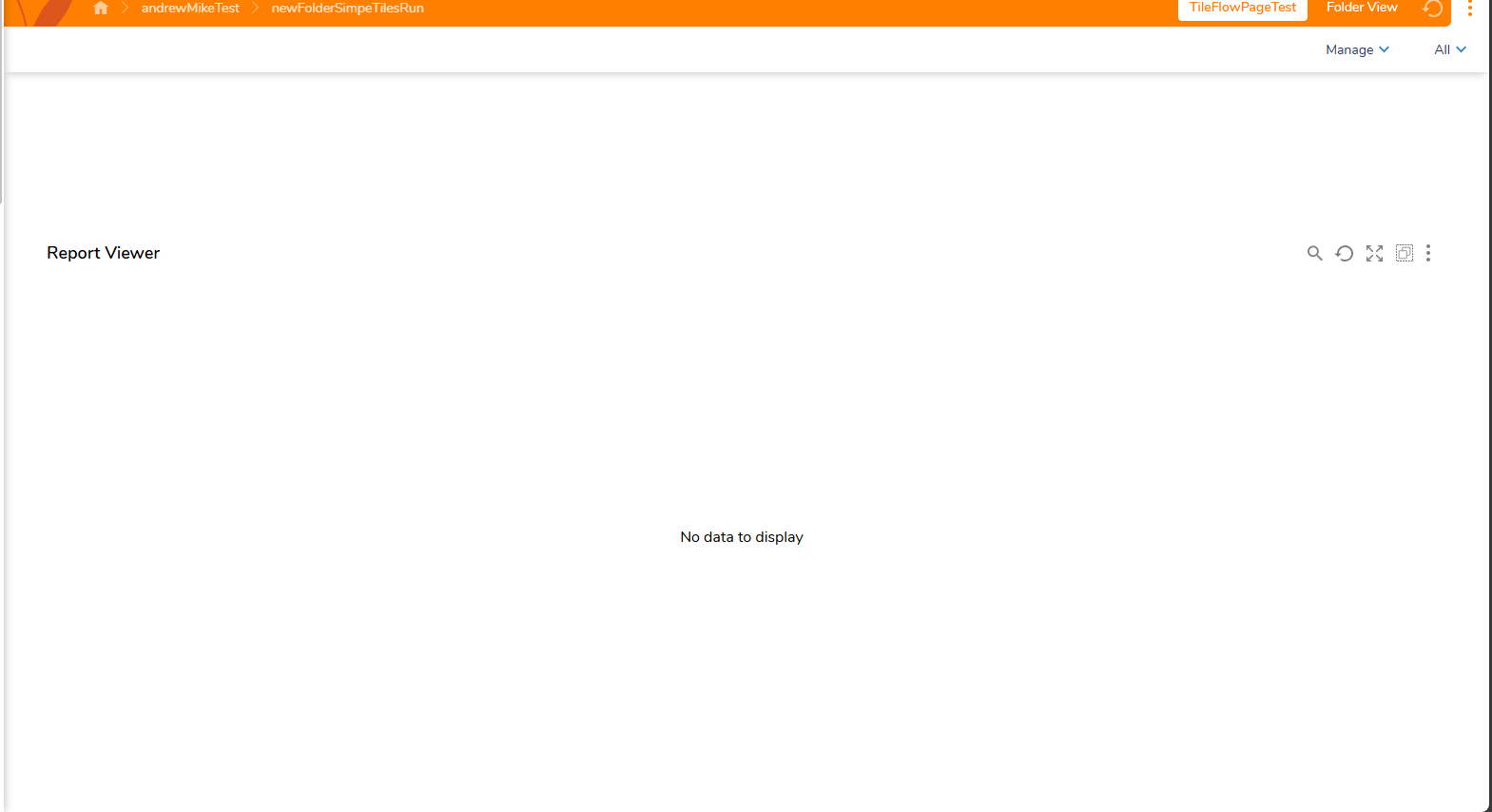
0

Howdy, Stranger!