How to delete a large number of data/entities from a folder?

Comments
-
Hello LukeGuy, great question! There are a few steps that could be of use here.
The first is the “Delete All of Type Step”. This step will delete all data objects within a folder. Simply create a flow, add this step and select the folder you would like to delete from as the “Type Name”.

As you can see from this example, this flow would delete all data objects within my I9Application folder.
If you only wanted to delete specific data based on specific criteria, that would require a “Delete Entities” step. This step can delete multiple entities within a folder based on a specified criterion. However, before implementing this step, I would recommend using a “Fetch Entities” step to ensure your criteria are correct. For this example, let’s say I wanted to delete all I9 Applications that were created before 1/1/2026.
First, I will add a Fetch Entities step, choose the folder I want to delete from as the Type Name, and add the proper fetch criteria.
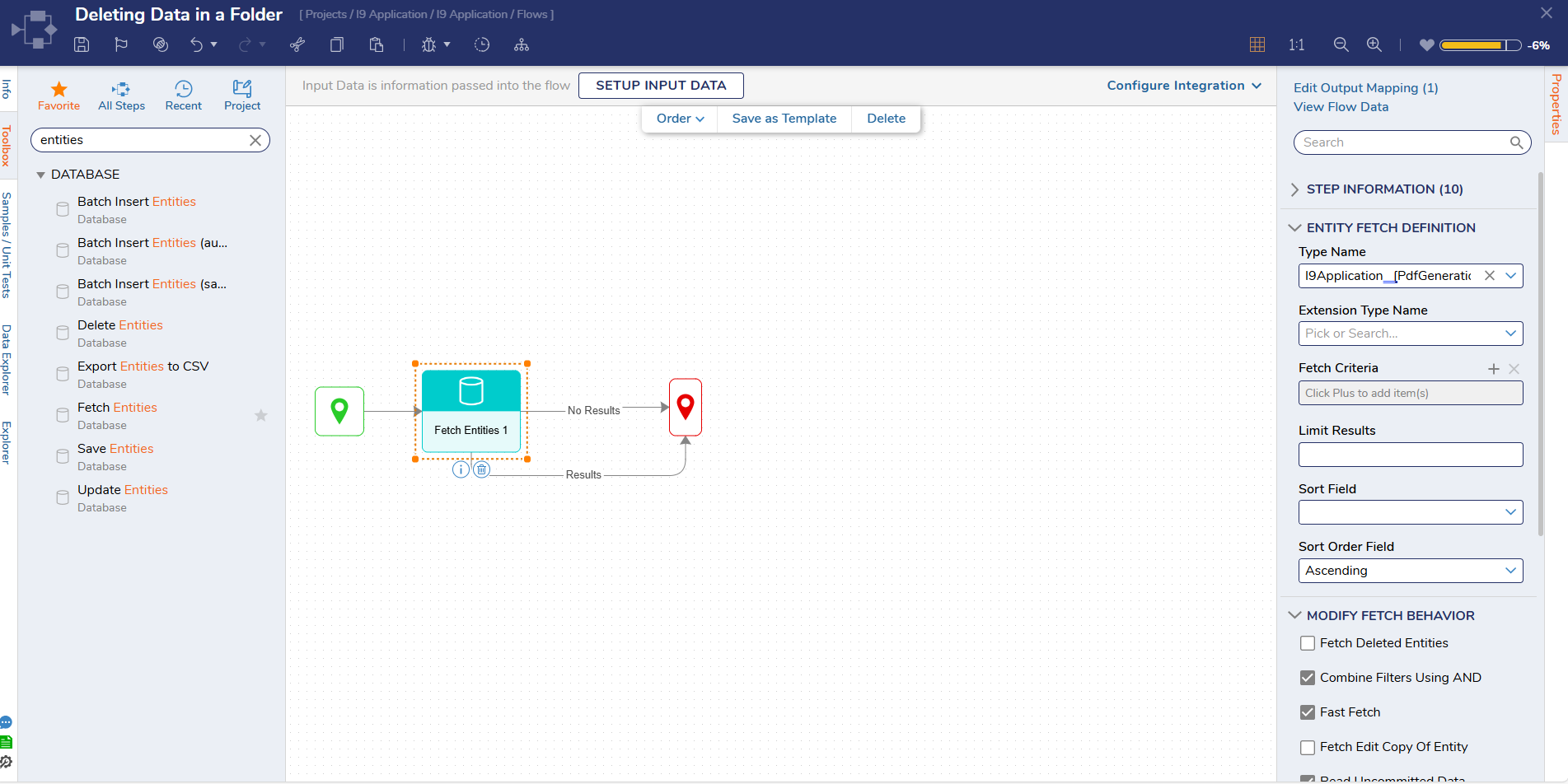


Now it is time to run the debugger to see if my criteria and input is correct.

The Fetch Entities step is only grabbing applications that were created before 1/1/2026, so now I know my fetch criteria was correct.
Now that I know the criteria is correct, I can replace that “Fetch Entities” step with a “Delete Entities” step.
For my example, that would look like this:

Now to delete the data, simply run the flow.
0

Howdy, Stranger!