Change Report Background Color
![[Deleted User]](https://w4.vanillicon.com/v2/405e65ccf7b995f883e9718428cf100b.svg)
Is there a way to change the background of a Report in Report Viewer contained on a Page?
0
Comments
-
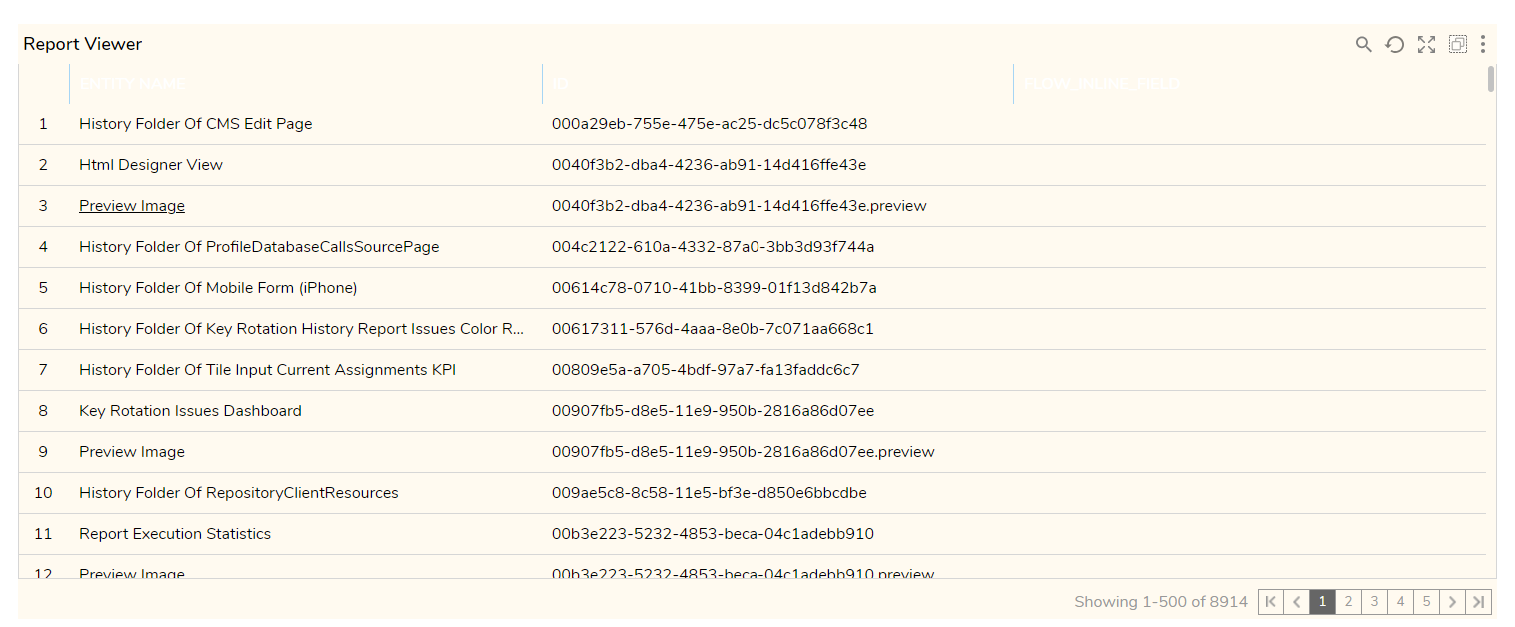
This can be accomplished by applying CSS the attached stylesheet on the Page in question. Please choose Add → Document at System → Designers → CSS folder to add this stylesheet to Decisions. (Unzip prior to upload)
In the Page, navigate to the Properties > STYLE > Style Sheets and select Report Background Color. This will apply apply the stylesheet to the report.
 0
0
![[Deleted User]](https://wa.vanillicon.com/v2/afc3a198b6337c4c433ae70b6b323525.svg)
Howdy, Stranger!