Change behavior of or hide 'Change State' action?

Change behavior of or hide 'Change State' action?
0
Comments
-
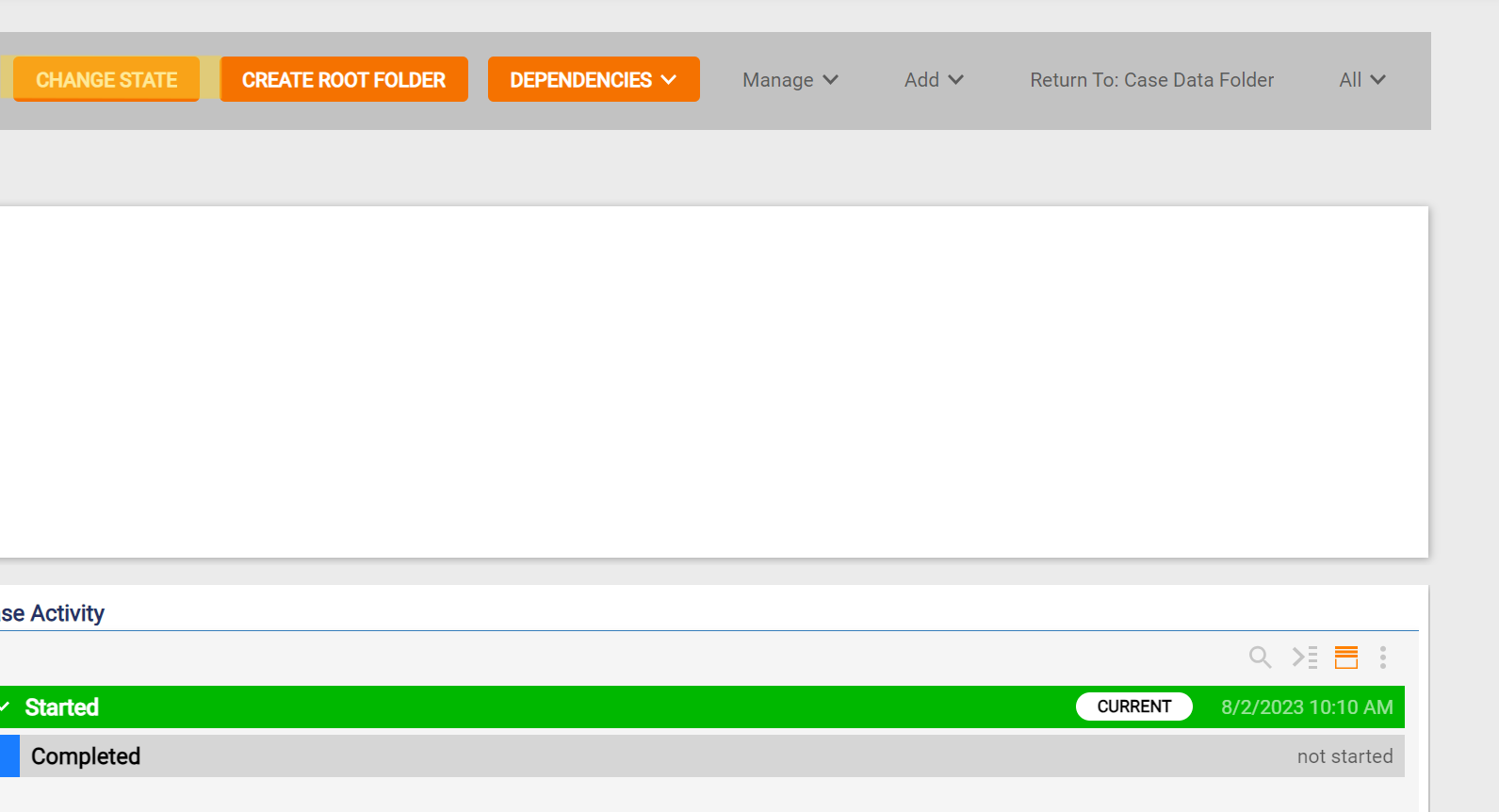
Is it possible to change the behavior of or hide the Change State action?
Please refer to picture below for example:
 0
0 -
It is not possible to change the Change State action, but you may hide the default action by first creating a Visibility Rule. A User Action would then be used to create a custom action.
1) Create Visibility Rule
- In the top right, click the Action Visibility Rule button
- The Data Element will be the Action.Name
- Set Configure to be CHANGE STATE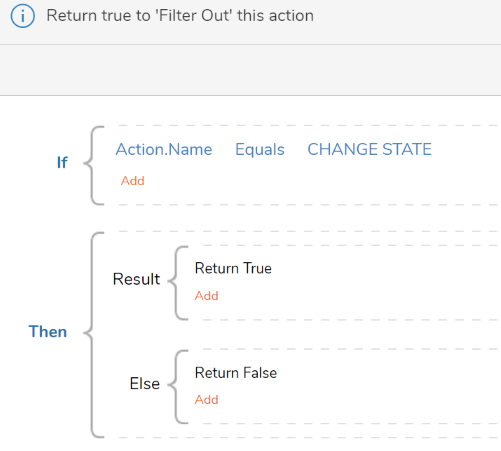
2) You will then need to design a User Action
- Under Activities, click Add Activity
- Choose User Action
- You can also click the User Actions dropdown and choose Create User Action
- Begin with a Form for the purpose of designating desired State Options.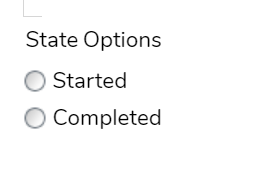
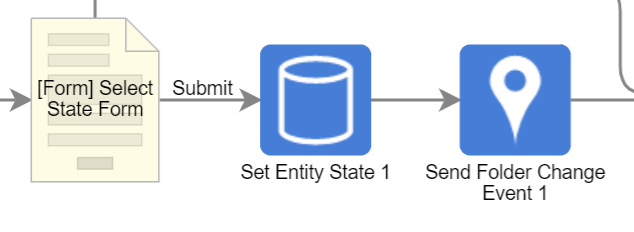
- A Set Entity State will be used to change state based on chosen response
- A Send Folder Change Event then refreshes specified folder
0