How can I generate a List of all Decisions Users and Export it?

I need to generate a list of all users in our system. How can I do that even in no longer supported versions of Decisions?
0
Comments
-
Hello,
Here’s how you can generate and export a user list:
Steps:
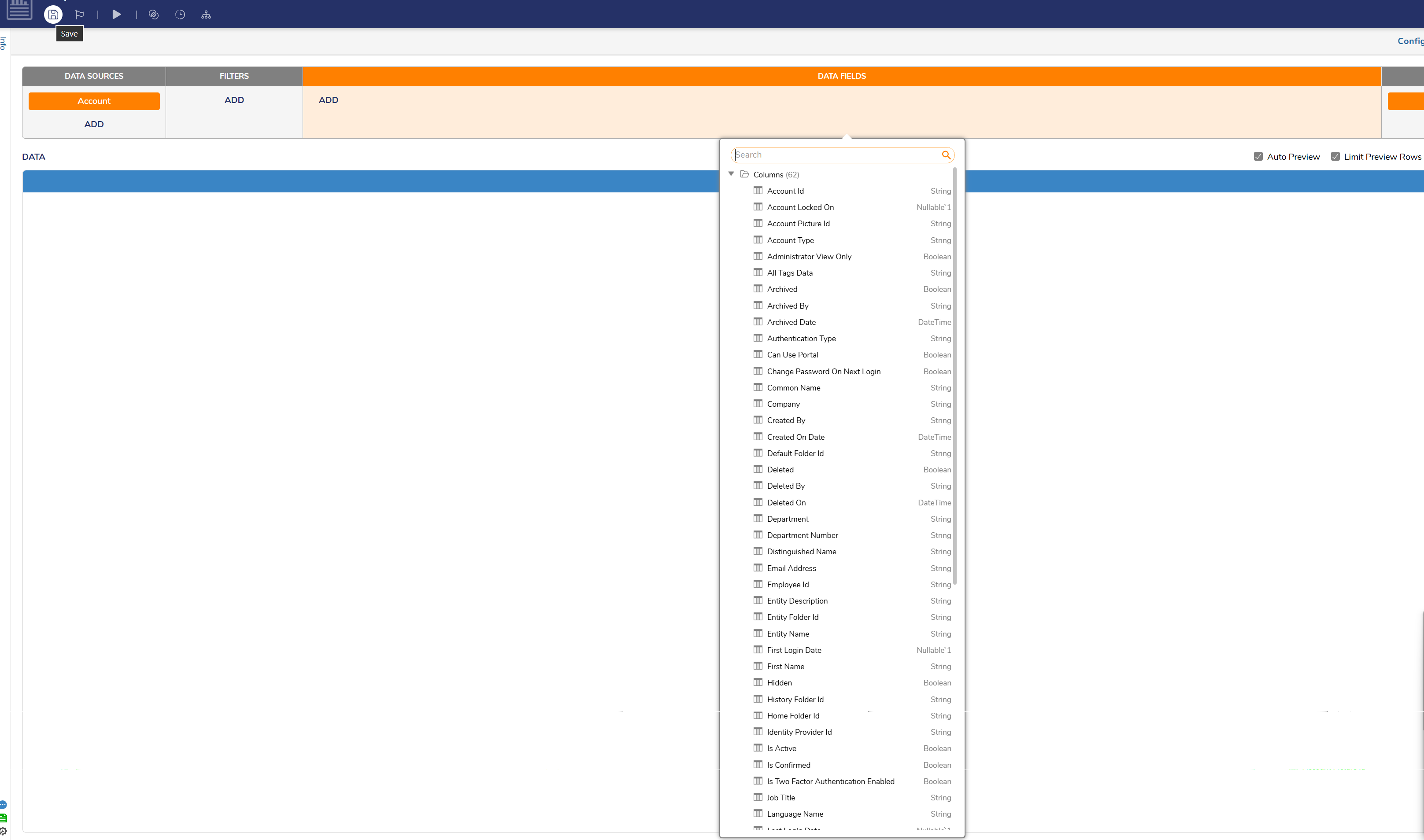
- Use the Report Designer and select the "Account" Data Source to build a report of users.
- Add the fields you need (e.g., username, email, roles, status).
- Run the report and use the export options to download the user list.
 0
0

Howdy, Stranger!