Portal Folder Tree behavior
![[Deleted User]](https://w1.vanillicon.com/v2/13832175faaef368db7e187158c210c0.svg)
Hi,
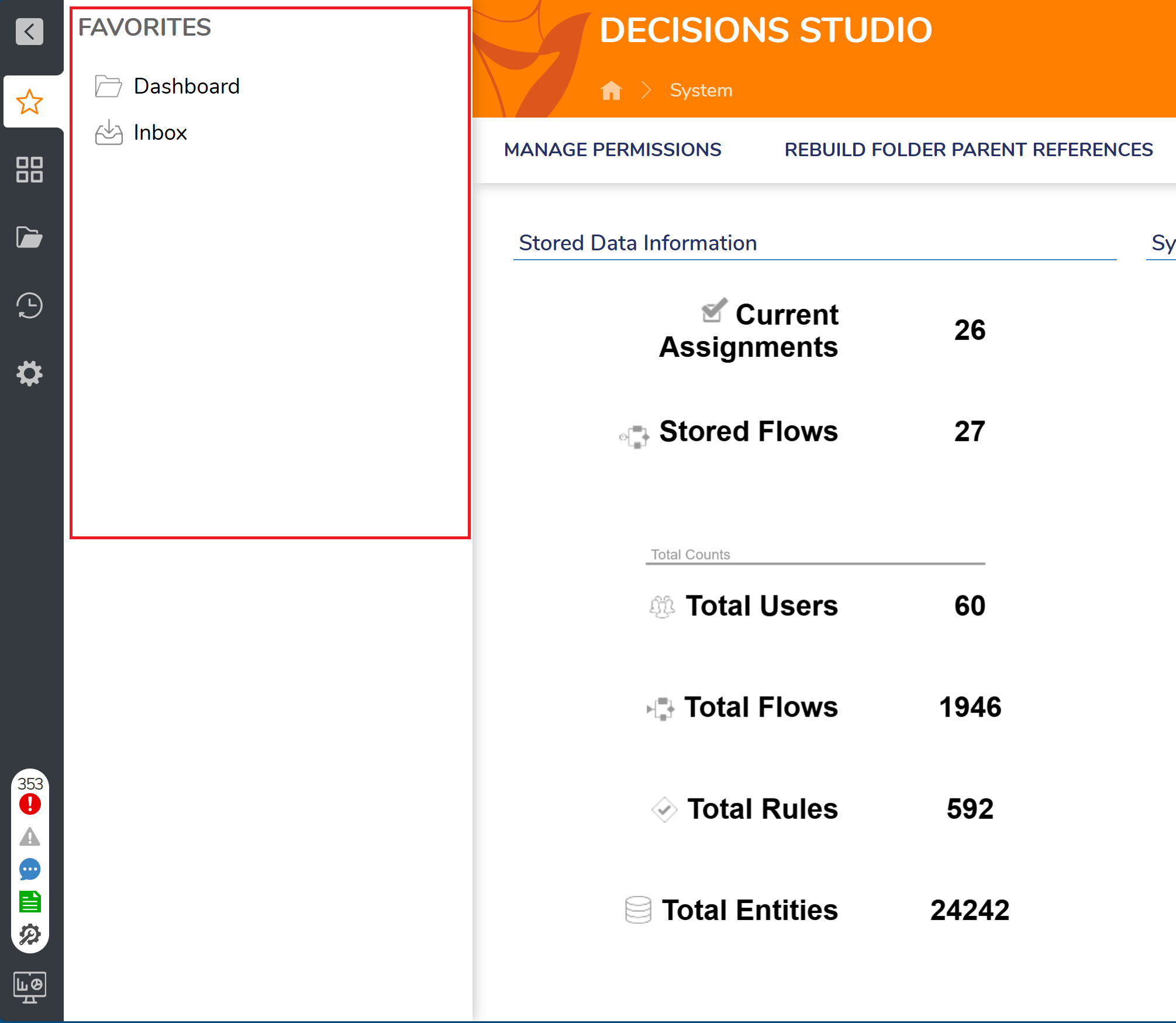
is there a way for me to have the folder tree on the left side collapsed for
all users (highlighted in red box in picture)? It always starts off expanded. I am in version 8.15.

0
Comments
-
Good afternoon,
Thank you for reaching out to our community forum. From your version to our most updated version at this time (9.23.0.75756), there is an option in our settings to configure how the folder tree behaves on startup.
On an admin account, navigate to System > Settings > Portal Settings > in the search bar, look up Folder Tree > toggle 'Collapsed on Start - User Portal' on for end users and toggle 'Collapsed on Start - Studio' on for admins and designers.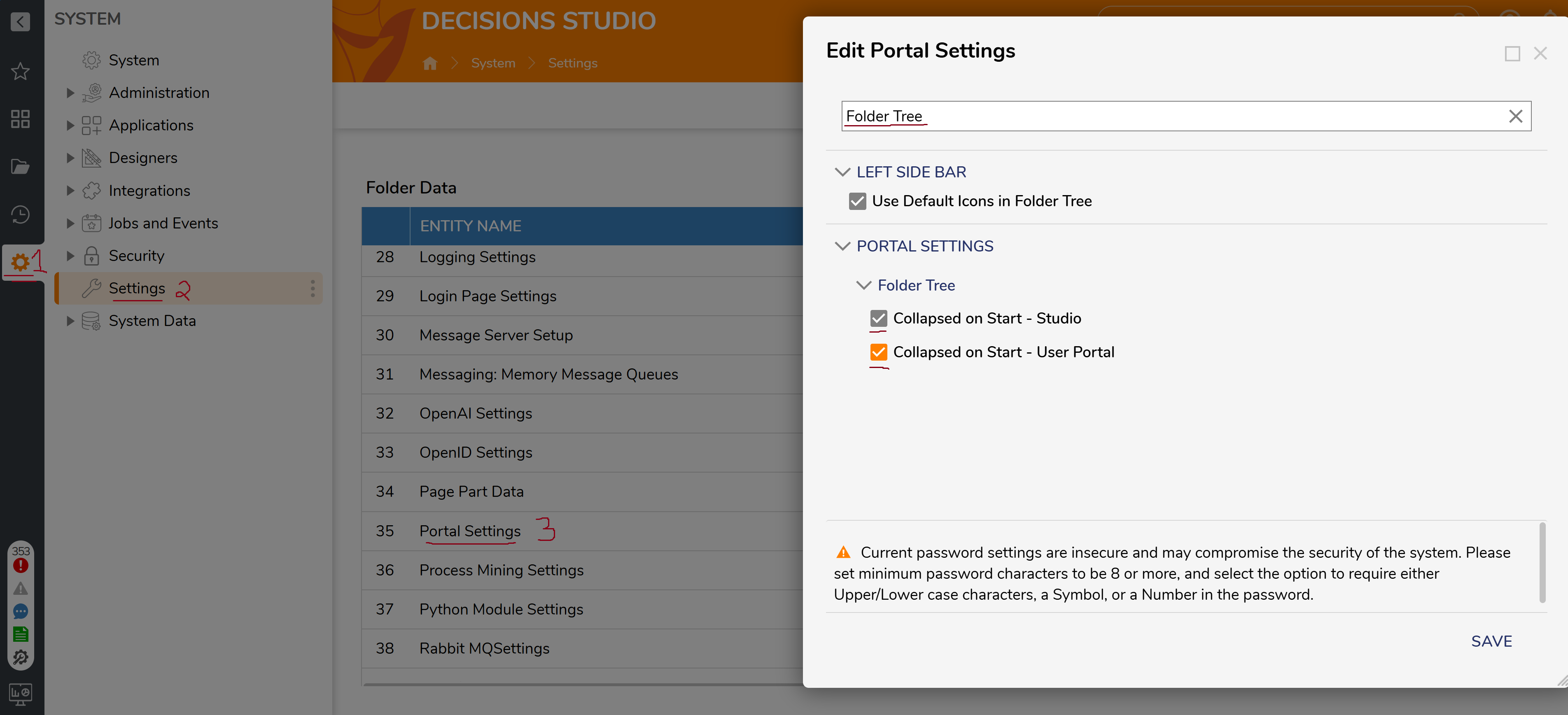
To test this, you can logout and in again on a designer or test user account to see that the folder tree starts off collapsed.
Regards,
Vinh Tran | Decisions Support
0
![[Deleted User]](https://w2.vanillicon.com/v2/24aad915403ca4009ca61883cde865c5.svg)
Howdy, Stranger!