Show Only Month Name on Report

In order to show the month name, rather than the number of the month when dealing with DateTime values in a report, do the following:
1 Open the desired report
2 Add the desired DateTime Data Field, in this case, a Created On Date field is added
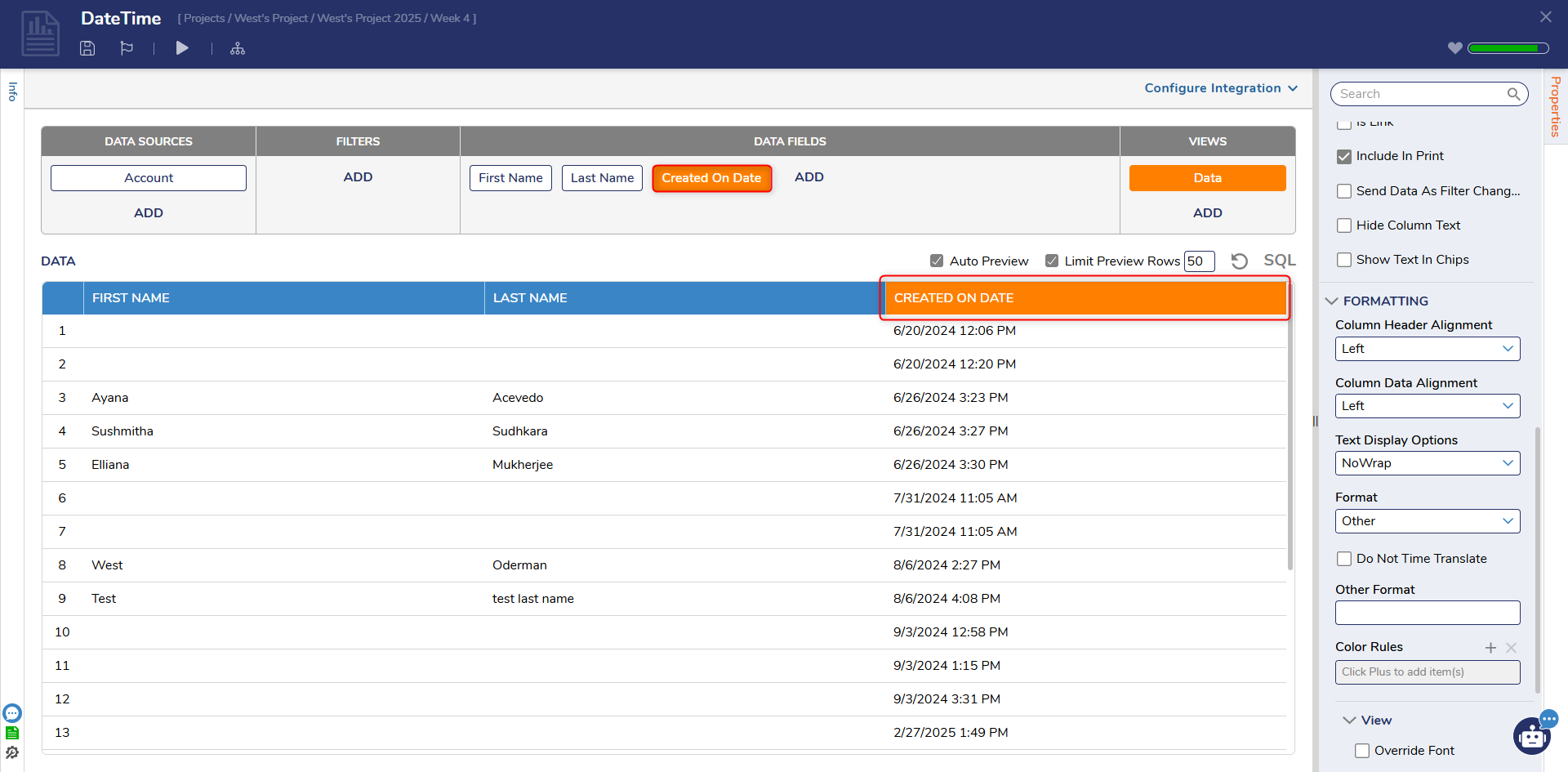
3 Navigate to the properties section
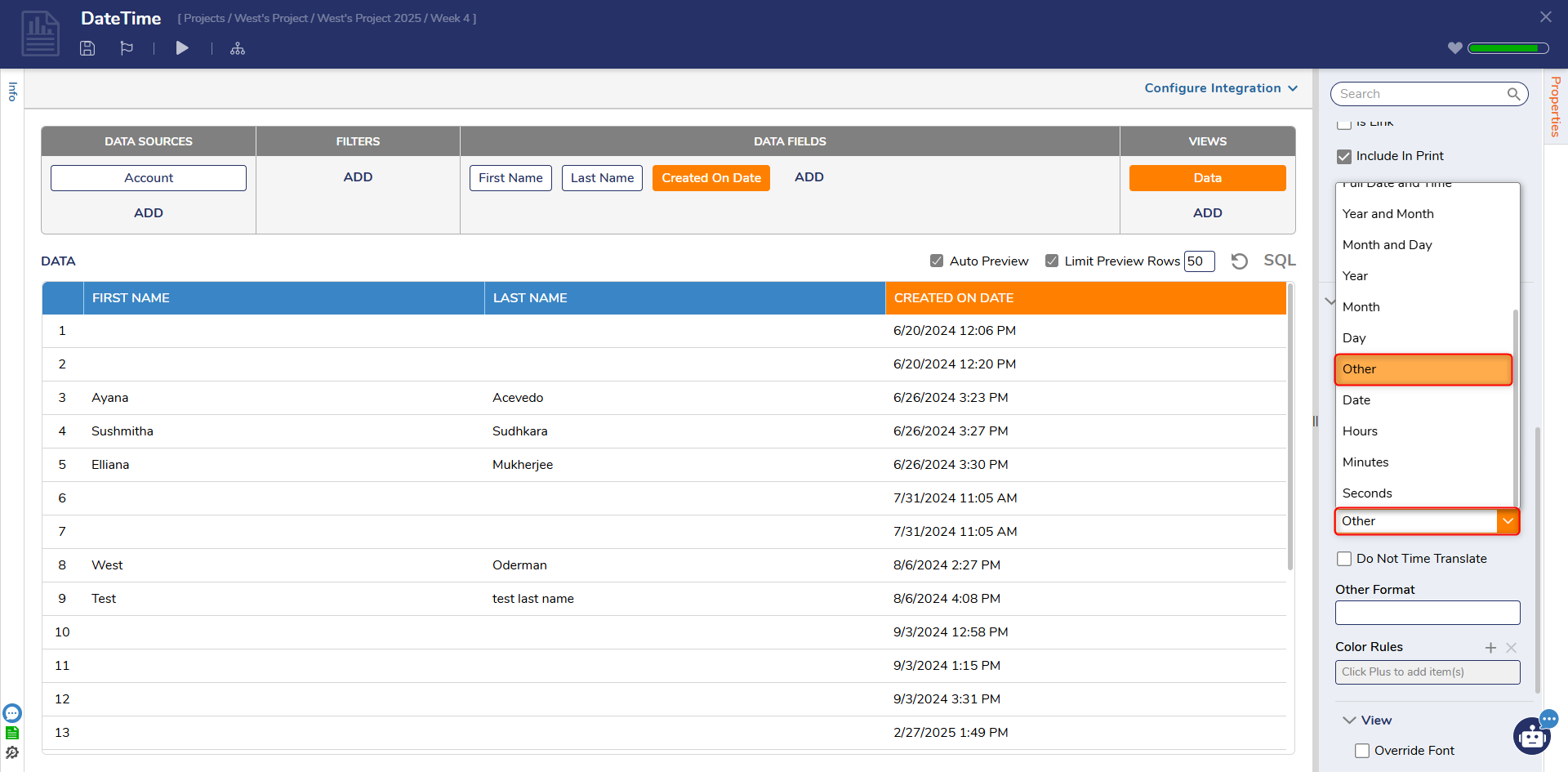
4 Under Formatting > Format, select Other
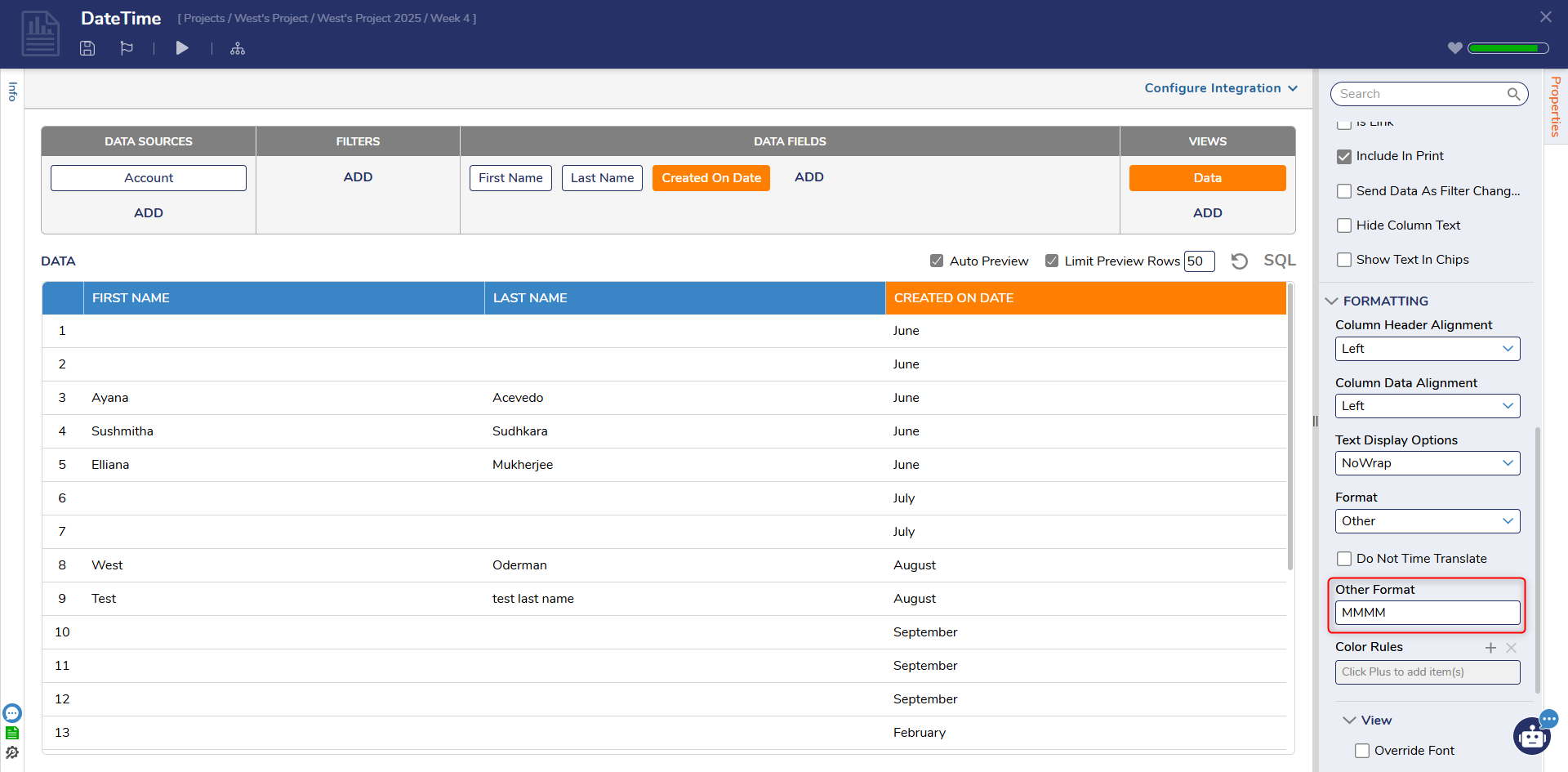
5 Under the new Other Format section, Input "MMMM"
6 Done
0