Upload Custom Images
![[Deleted User]](https://w4.vanillicon.com/v2/405e65ccf7b995f883e9718428cf100b.svg)
Where do we add custom images into the Decisions environment?
0
Comments
-
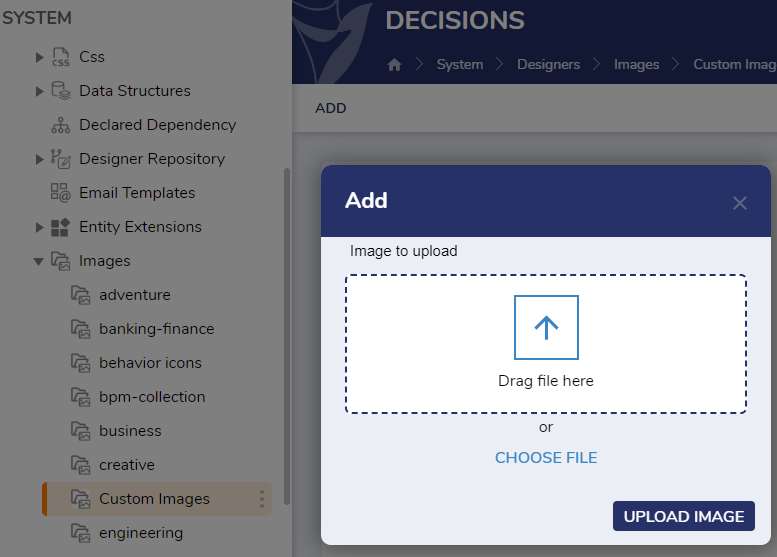
Custom Images can be uploaded in the Designer Studio at System > Designers > Images > Custom Images. The images can be added via the "Add" user action in the folder.
 0
0
![[Deleted User]](https://wa.vanillicon.com/v2/afc3a198b6337c4c433ae70b6b323525.svg)
Howdy, Stranger!