Best Of
Repo architecture and deploying projects
![[Deleted User]](https://w1.vanillicon.com/v2/13832175faaef368db7e187158c210c0.svg)
Purchase Request FAQ's
Why are all my records blank? When looking at your folders or on a report if you notice you have bad or empty data: On the setup process folder make sure you have the checkbox for "use extension data" checked. Select the purchase request type. Build data on purchase request input and then map the outputs of the form into the named inputs in the properties panel
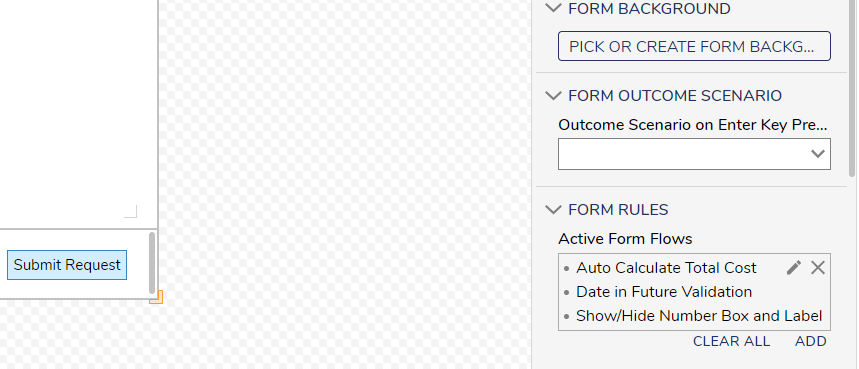
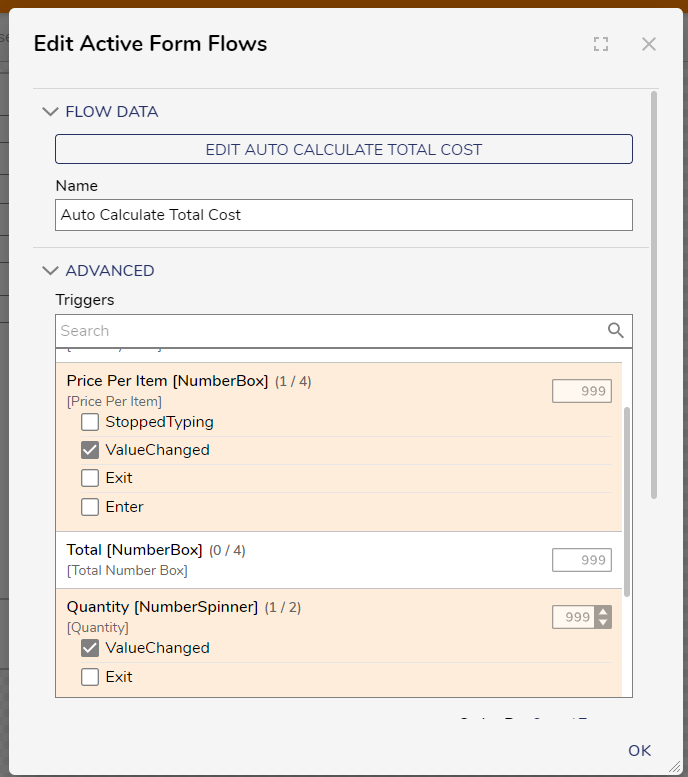
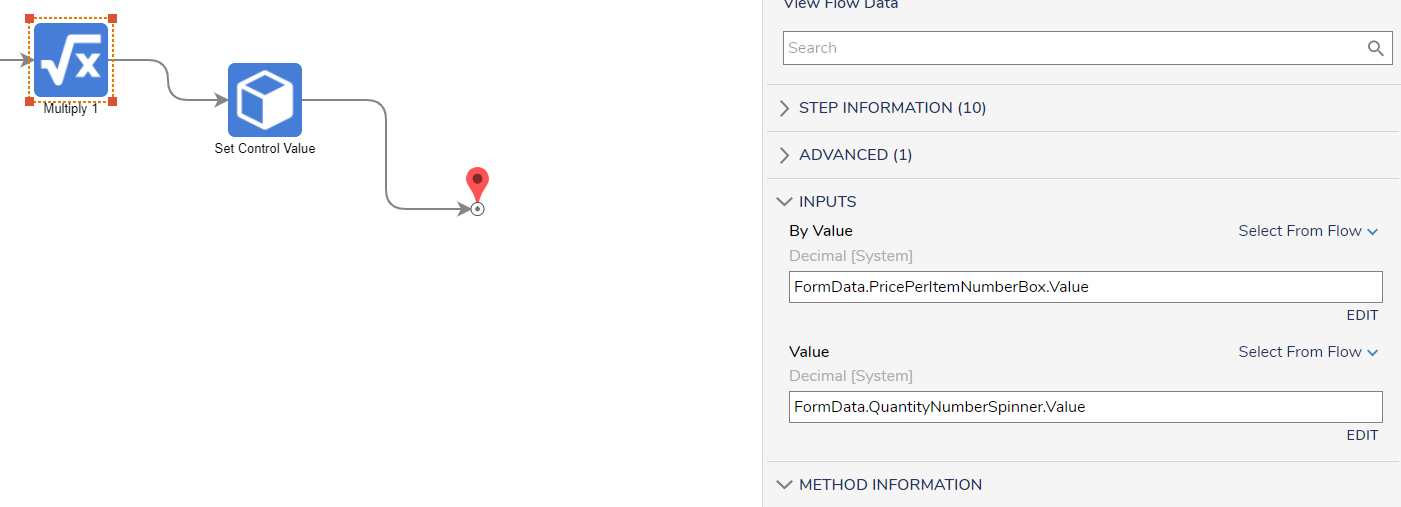
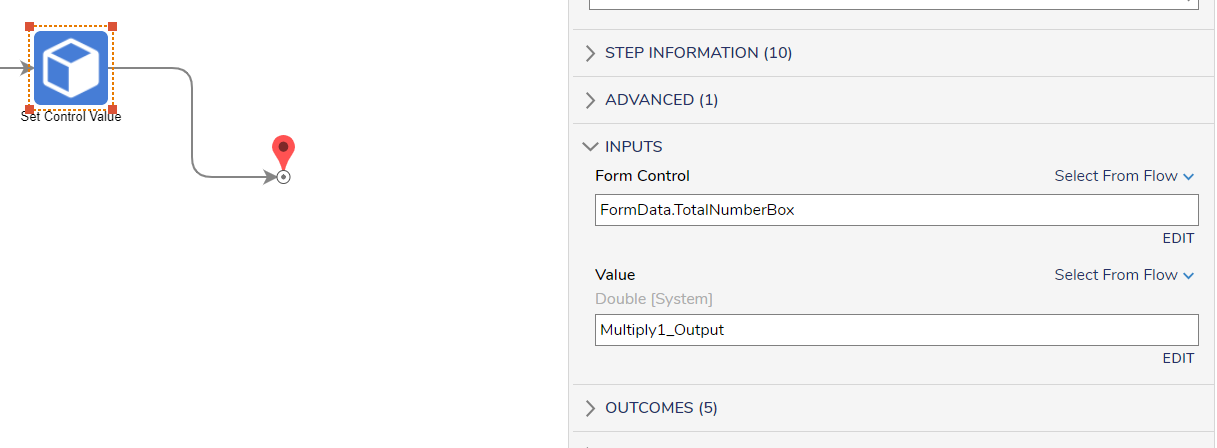
Active Form Flows: Active form flows can be found in the forms properties. You can add a trigger (when you want this active form flow to run) and then create a flow. You can add these validations in a number of ways. Remember when you set validations you also need an option to clear them. You can hide controls by default in the form designer and show them only when a value is present.
Assignment of Manager form (Truth Table First Match Only): If when trying to map the output of the truth table into the assignment of the manager form you have a list of accounts go back to your truth table and change the execution type to first match only under advanced. You will only need one result from this truth table and this will allow your output to be a singular string.

Re: Manually Mark an Assignment as Completed
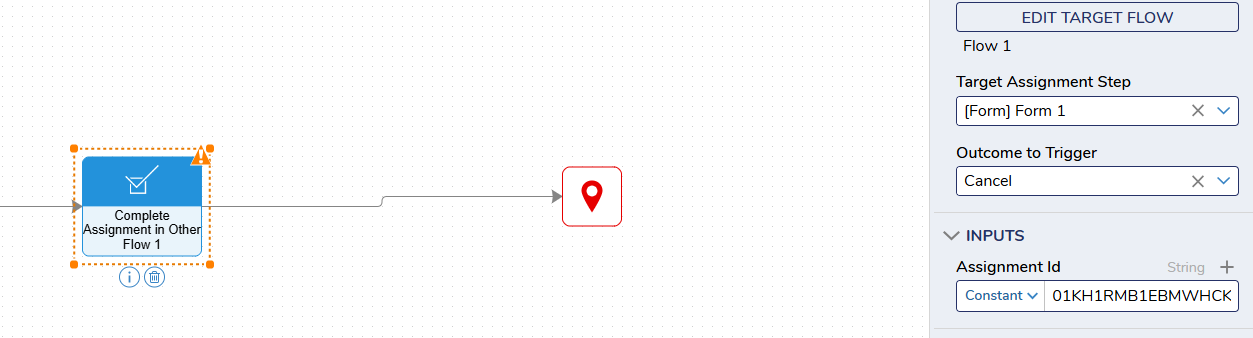
I had a flow titled "Flow 1" which created the assignment. The assignment was a form titled "Form 1". I chose for it to go down the cancel path rather than the submit path. I then pasted the assignment id that I retrieved via the query editor. After running this flow I went back to the query editor and the is_current assignment was false and the assignment was marked complete.
