FileStorageLocation

How
do I change the File Storage Location?
0
Comments
-
Hey there,Thank you for reaching in our forums! You can take the following steps to change the FileStorage location:1. Stop the Decisions Service2. Create a new File Storage folder in your desired location and copy over the default FileStorage contentsa.
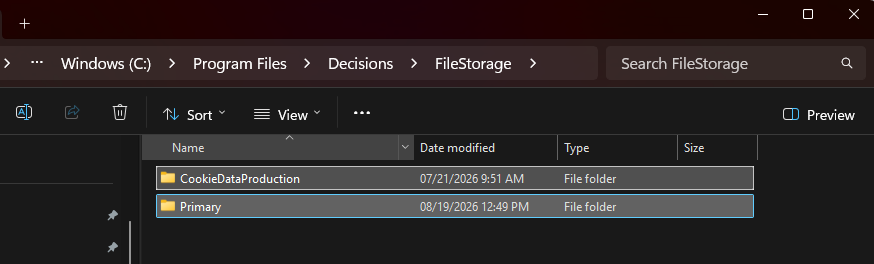 3. Give the new FileStorage location the proper permissionsa. Requires the standard user account running Decisions to have Read & Execute, Write, and Modify permissions on the new FileStorage folder.4. In Settings.xml usually located at C:\Program Files\Decisions\Decisions Servera. Edit the FileStorageLocation property to the full path of the new FileStorageLocation5. Restart the ServiceRegards,Vinh Tran | Decisions Support0

Howdy, Stranger!