Disable report action on case ID's

Hello
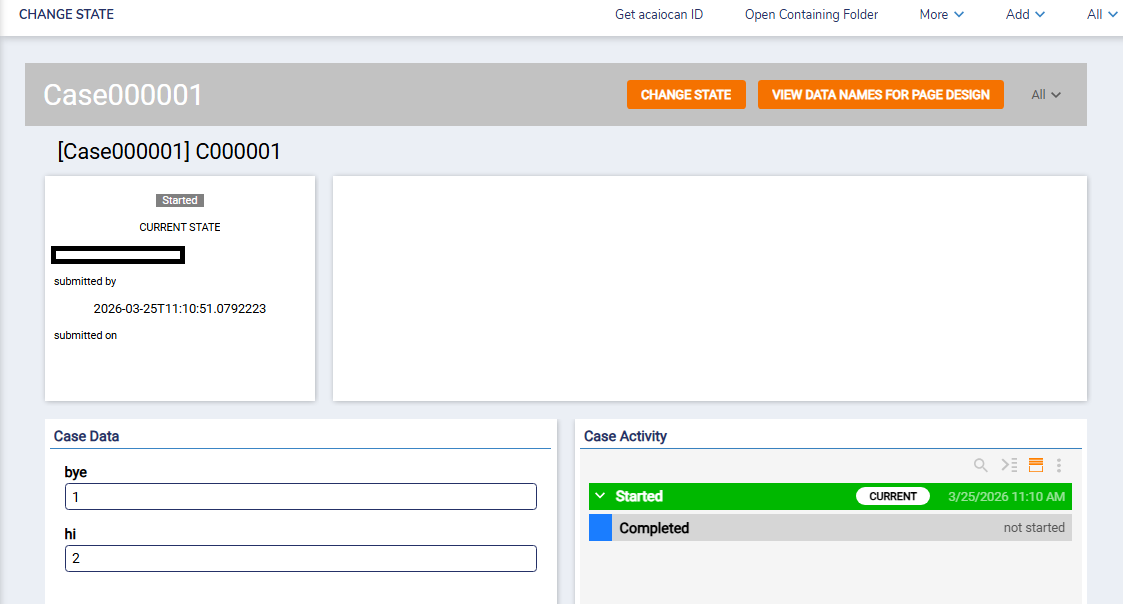
I have a report in my dashboard that showcases selected information from my
case entities with fields such as case ID, etc. Whenever I hover over the items
under the case ID fields, it highlights and when clicked, takes me to the case
data page, I do not want this to happen, is there a way to disable this action
as well as the highlighting of the item? I have already disabled report
actions, but this is still happening.

0
Comments
-
Hello there,
Thank you for reaching out in our community forum! It is possible to disable this action from the report, however, the setting that we need to configure would be on the report viewer page control properties in your page/dashboard.
Navigate to you dashboard > Report Viewer Page Control > Properties > View > Grid > unselect 'Always Show Action On Row', this action will disable the ability to click on the highlighted case and will not navigate you to the case data tab. With this action disabled, you can still configure custom right-click user actions if needed.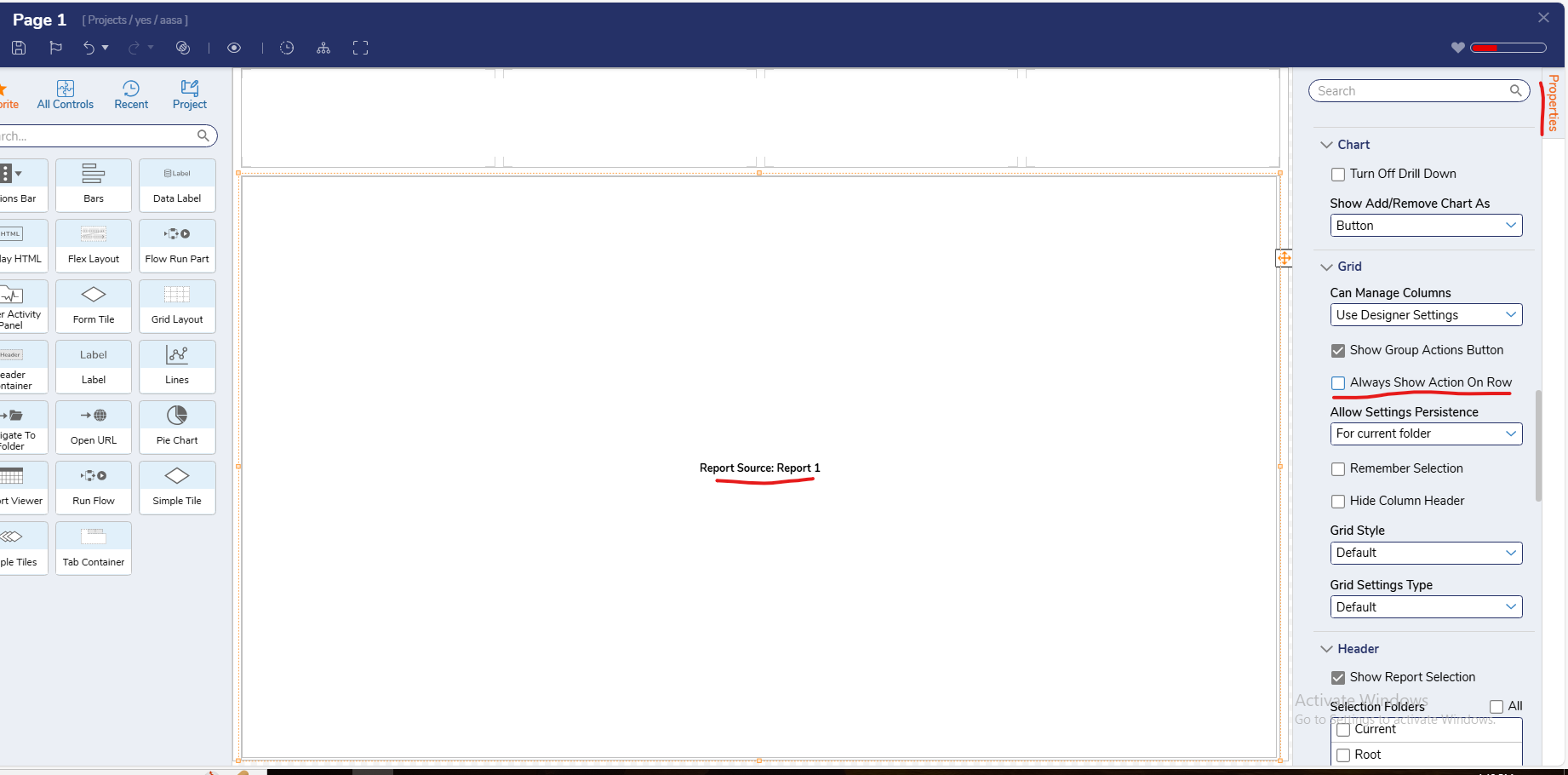
Regards,
Vinh Tran | Decisions Support
0

Howdy, Stranger!