How to Access URL Query Parameters from POST Webhook Requests in Decisions?

in Flows
Hello,
I'm working with webhooks in Decisions and need to access query parameters from the URL when a POST request is received. These parameters aren't showing up in my flow inputs or headers. Is there a way to capture URL query parameters from POST requests in a flow?
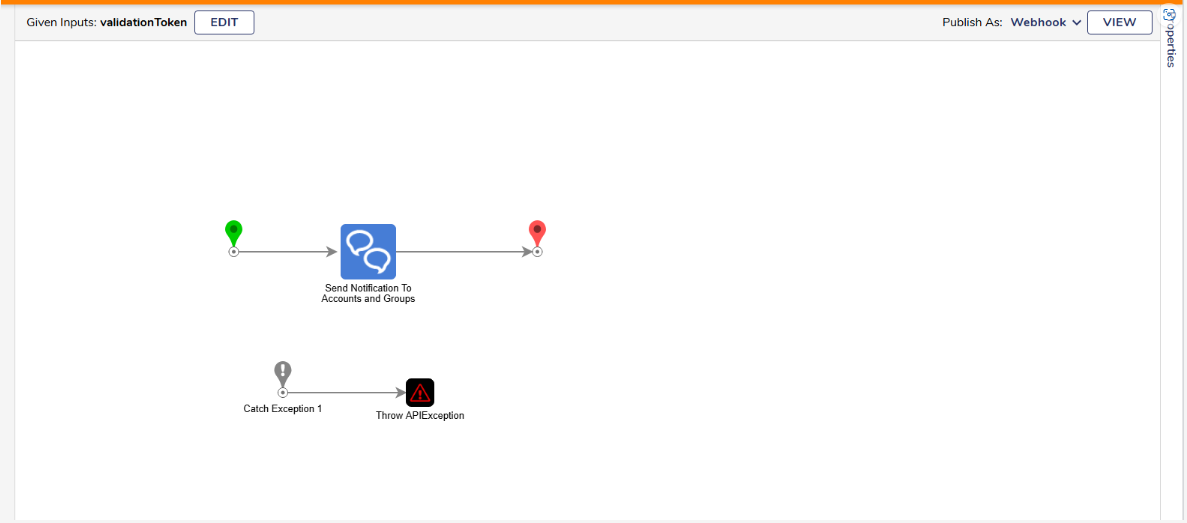
I'm working with webhooks in Decisions and need to access query parameters from the URL when a POST request is received. These parameters aren't showing up in my flow inputs or headers. Is there a way to capture URL query parameters from POST requests in a flow?
0
Comments
-
Hello,
By default, Decisions only maps POST request data from the body, not from the URL query string. To access query parameters from POST requests, use the "Post to Flow Handler" behavior. This exposes the full request URL and query string to your flow.Resolution Steps:
- Switch your webhook to use the "Post to Flow Handler" behavior.
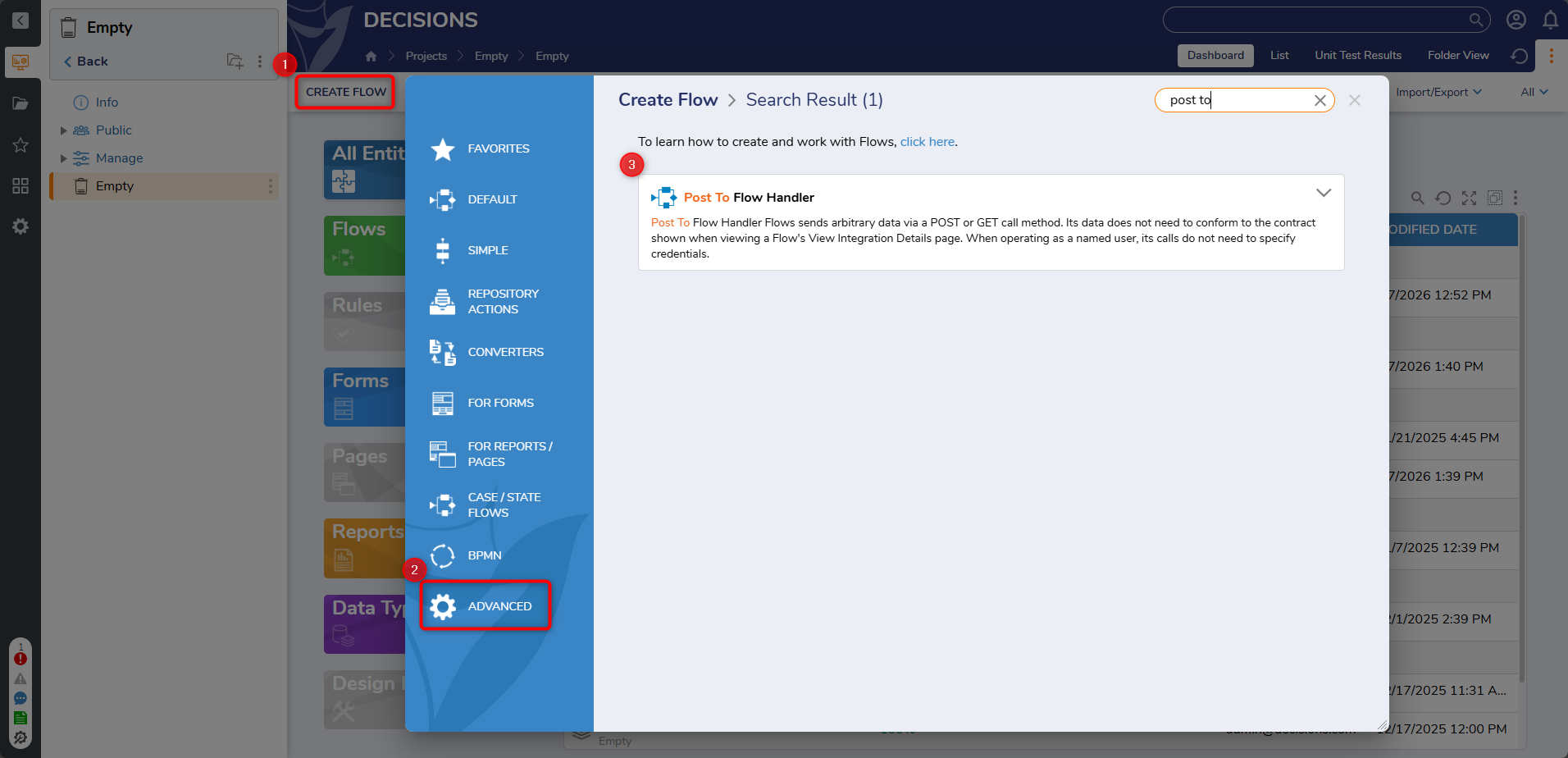
- Retrieve the needed query parameters from the exposed request data in your flow.
- If you had mapped variables before, remove and re-add them, then save and re-run your flow.
0 - Switch your webhook to use the "Post to Flow Handler" behavior.

Howdy, Stranger!
Categories
Training YouTube Channel
- Subscribe to the Decisions Training channel