Dynamic Rule Creation

Comments
-
1. Add a “Create Rule From Definition” step to your flow"
2. Select “Build Data” on the “Rule Data” property
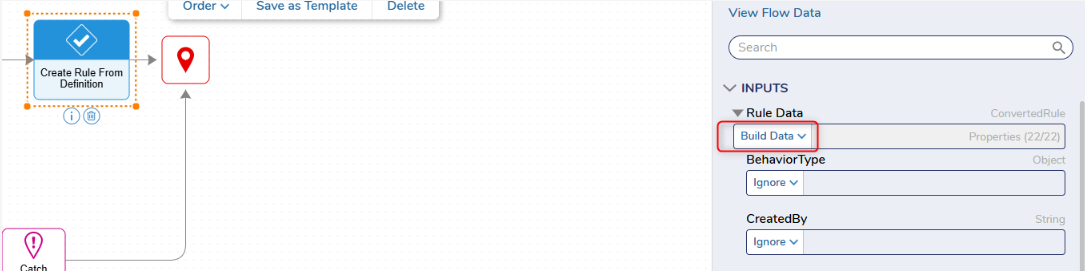
3. Add a “Rule Name”, “Rule Type”, and “Folder” of your choice.
4. Configure a value for the “Output Data”
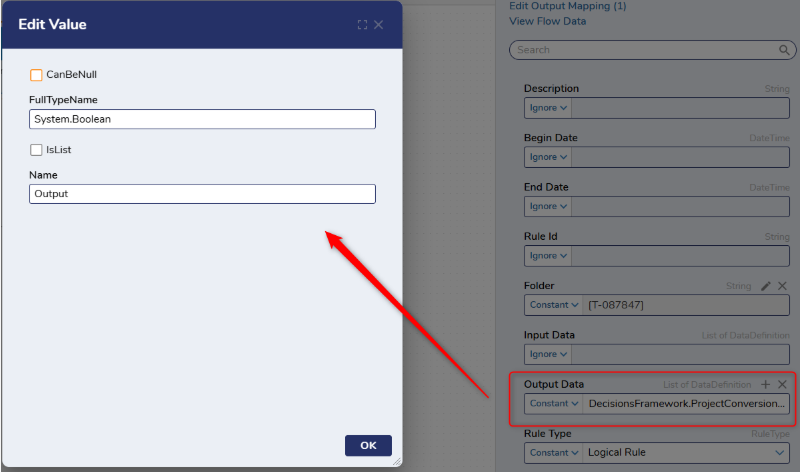
5. Create two “Output Mappings” for your true path and false path.
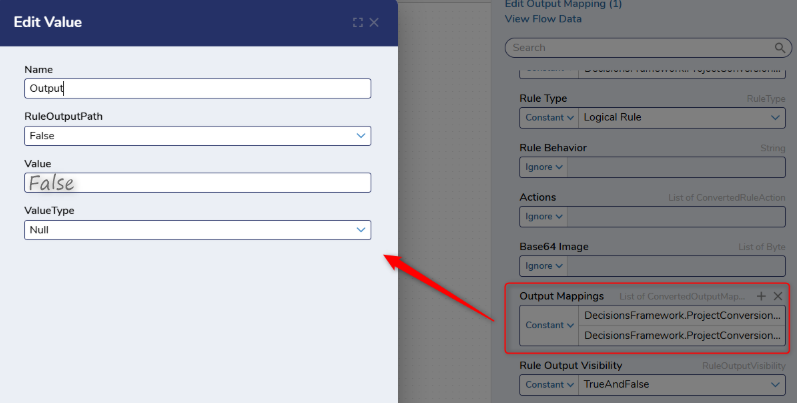
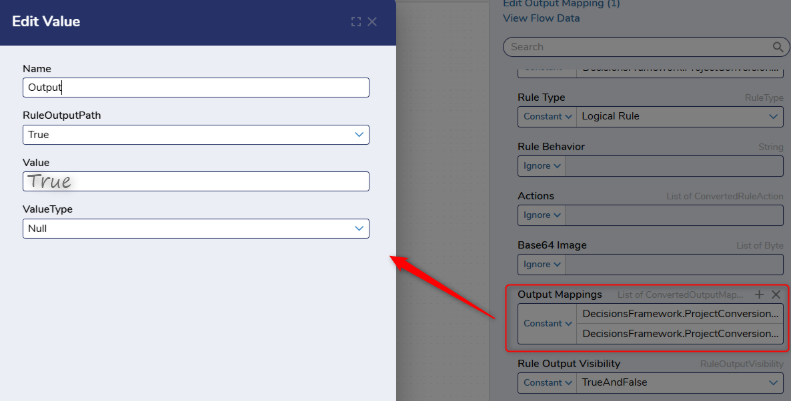
6. Set “Rule Output Visibility” to “TrueAndFalse”.
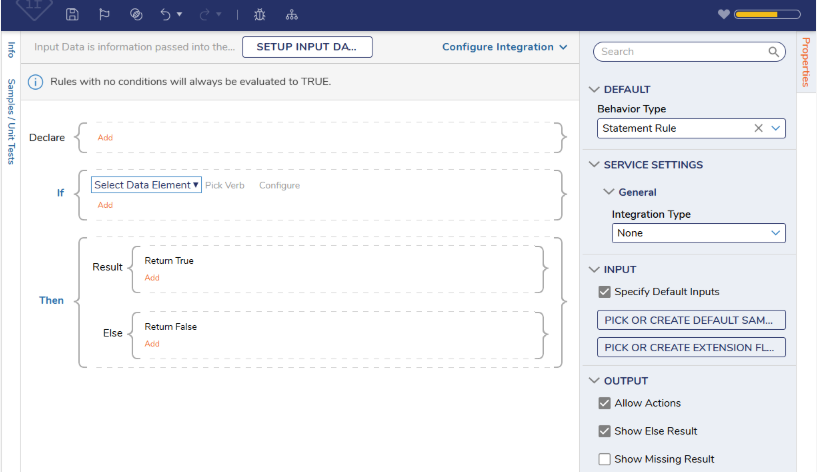
7. Debug the flow. The resulting rule will have a true and false return path.
 0
0

Howdy, Stranger!