Date on an excel page - Urgent request

Comments
-
Hi There,
As you know we are printing a page from an excel worksheet. When we print this page the date format is being changed to the American format.
(Example attached).
This is our last issue before going live.
Nice to have If we can have as a decimal separator comma instead of dot and thousand separator dot instead of comma ( ex. € 15.000,00)
Please replay asap.
How can we fix it?0 -
Can you provide additional details about the process of generating/printing this excel sheet?
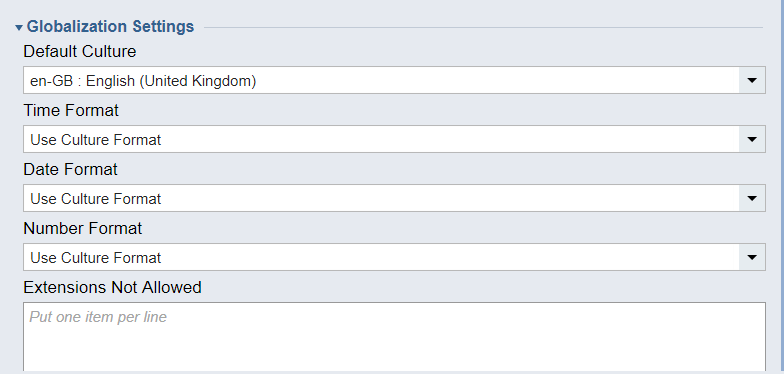
Can you confirm what your Globalization settings are under System > Settings > Portal Settings > Globalization Settings?0 -
Here is the Global setting attached :
 1357
1357