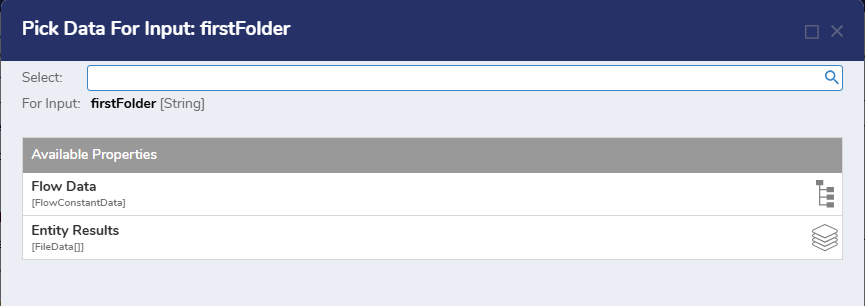
Where are my constants in v9?

0
Comments
-
Hello there,
Thank you for reaching out in Decisions forum! Before anything I would first check if the current project you are developing on has the global project as a dependency as that would explain why you are not seeing any options. You can add project dependencies in the Project Hub by navigating to Manage > Configurations > Dependencies > Manage > then add the global project.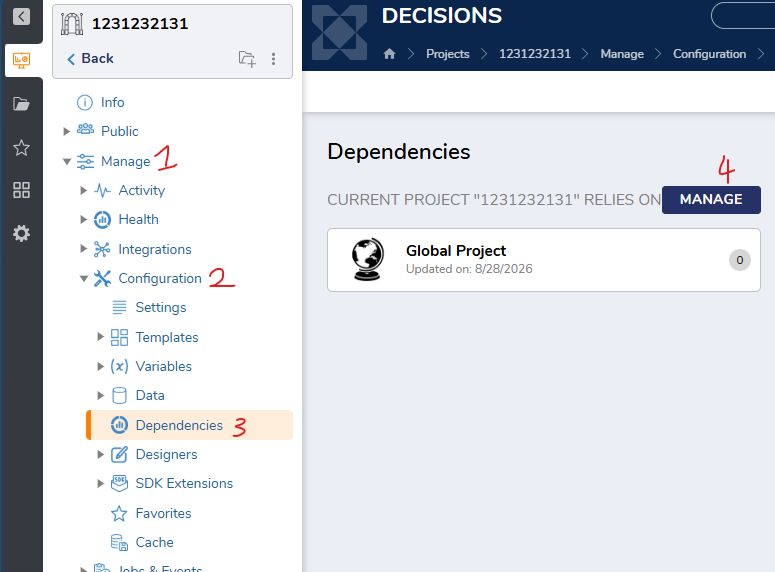
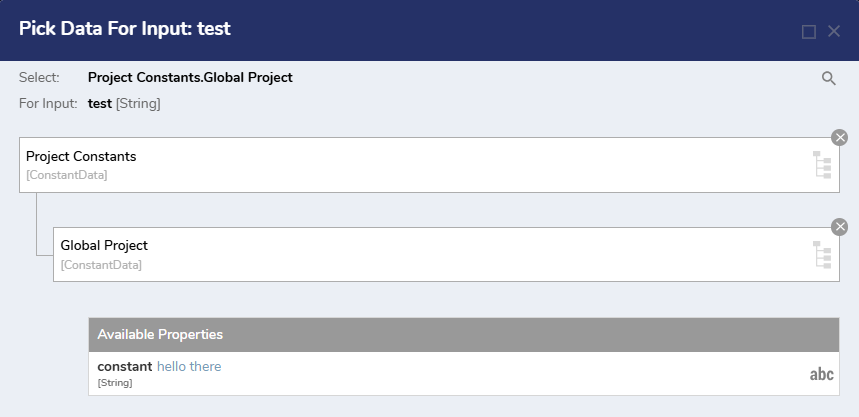
When mapping the constants, look one level deeper under Project Constants > [Global Dependency Project Name]. For example, if the global dependency project is named Global Project, the constants will appear under Project Constants > Global Project, rather than directly under Project Constants.
Regards,
Vinh Tran | Decisions Support
0

Howdy, Stranger!